How to Self-Tape Without a Reader
6/23/2026
The audition arrives late, the deadline is close, and the person who normally reads with you is unavailable. It is an extremely common self-tape problem, but it does not have to stop you from submitting.
You can self-tape without a reader in the room. The best method depends on whether you need speed, a responsive exchange, precise control, or human spontaneity.
First, read the casting instructions carefully. If they specify how the scene should be recorded, follow those instructions. Otherwise, choose the reader setup that gives you the clearest, most truthful performance.
Option 1: use an AI scene partner
An AI scene partner reads the other characters while you play your role. In a responsive setup, the app listens to your line and delivers the next cue when you finish rather than relying on a fixed gap.
In Self-Tape Studio, you import the sides, mark your character as you, and assign AI voices to the remaining roles. Automatic mode uses speech recognition while it waits for your dialogue, then advances to the AI response.
This works well when:
- The deadline makes scheduling difficult
- You want to rehearse the scene many times
- You need the reader to follow changes in your pace
- You want consistency between takes
- You are working privately or late at night
Test the complete scene before recording. Check that your microphone permission is enabled, the app can hear you clearly, and the reader volume is audible without overpowering your voice.
Option 2: prerecord the other lines
You can record the reader's dialogue with a voice recorder, editing app, or dedicated line-learning tool. Leave a gap for each of your lines, then play the recording while you perform.
This is inexpensive and gives you complete control over the reader's delivery. It also creates a timing problem: every pause is fixed. If you discover a stronger moment during the take, the recording will not wait for it.
To make prerecorded lines more usable:
- Read your own dialogue silently at a natural performance pace while recording the gaps.
- Add slightly more room than you think you need.
- Avoid recording an exaggerated reader performance that competes with your take.
- Run the whole scene before filming.
- Keep the playback device near the reader's intended eyeline, but out of frame.
Prerecorded cues are best for short scenes with predictable rhythm. They become harder to manage when dialogue overlaps or the scene contains long emotional pauses.
Option 3: find a remote human reader
A remote reader joins over video or audio chat while you record on another device. You can ask an actor friend, use an actor community, or book a reader through a service such as WeAudition.
The advantage is genuine interaction. A person can respond to changes, take a note, and help the exchange feel less mechanical. The disadvantages are scheduling, possible cost, connection delay, and the need to manage two devices or windows.
Send the sides in advance when possible. Tell the reader which character you are playing, where you want their volume, and whether you want a neutral read or more energy. Keep any direction brief and respectful; the goal is to create the conditions for your performance.
Option 4: ask someone nearby
A friend, partner, or housemate does not have to be an actor to read the other lines. Ask them to stay off camera, keep their voice at a natural conversational level, and avoid acting so forcefully that attention moves away from you.
Give them the scene context and pronunciation notes, but do not turn the session into a lengthy coaching exercise. If they struggle with the formatting, highlight their lines or create a reader-only version.
This can be the fastest solution, but repeated favours are not always available—especially when you want several rehearsal passes before recording.
Set up the eyeline before you rehearse
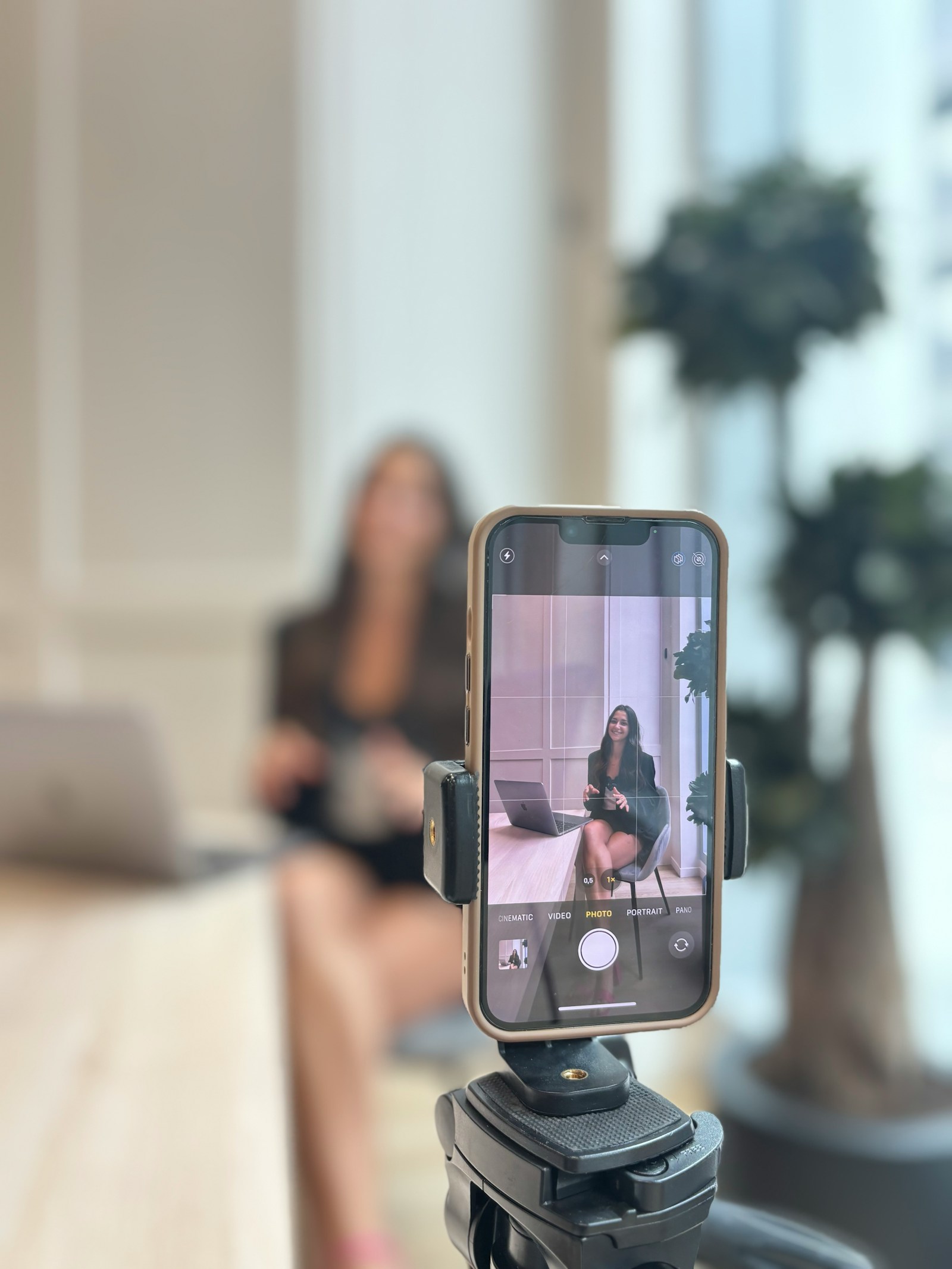
The reader's voice and the actor's eyeline need to feel connected. Put the reader, speaker, or playback device close to the camera without looking directly into the lens unless the instructions request it.
Mark the position so it stays consistent. If several off-camera characters appear in the scene, decide whether each needs a slightly different eyeline. Keep the differences small enough that your face remains visible.
Protect the performance from the technology
Whichever method you choose, complete a technical run before attempting your best take:
- Confirm the reader can be heard on the recorded video
- Make sure your own voice remains clear
- Turn off notifications and alarms
- Check that speech recognition advances reliably, if used
- Confirm the camera does not refocus or change exposure dramatically
- Leave enough storage and battery for multiple takes
Technical confidence creates acting freedom. Once you trust that the next line will arrive, you can listen, respond, and stay inside the scene.
The reader is there to support your audition
A great reader helps, but casting is watching you. Do not spend so long perfecting the reader's performance that you arrive at your own take tired and over-rehearsed.
Choose a setup that is reliable, run the scene enough to understand its rhythm, and then focus on the circumstances, relationship, and action. The purpose of the tool is not to replace collaboration. It is to make sure the absence of a reader does not cost you the opportunity to submit.